Never lose an interested attendee.
Your event page captures interest at every stage, from before tickets open to after it sells out, and follows up for you.
Sign upIncluded on Pro and Amplify.
Never lose an interested attendee.
Your event page captures interest at every stage, from before tickets open to after it sells out, and follows up for you.
Sign upIncluded on Pro and Amplify.
Demand captured at every stage
Notify Me
Before tickets go on sale, visitors leave their email and hear the moment they do.
Remind Me
While tickets are on sale, hesitant visitors ask for a timed reminder.
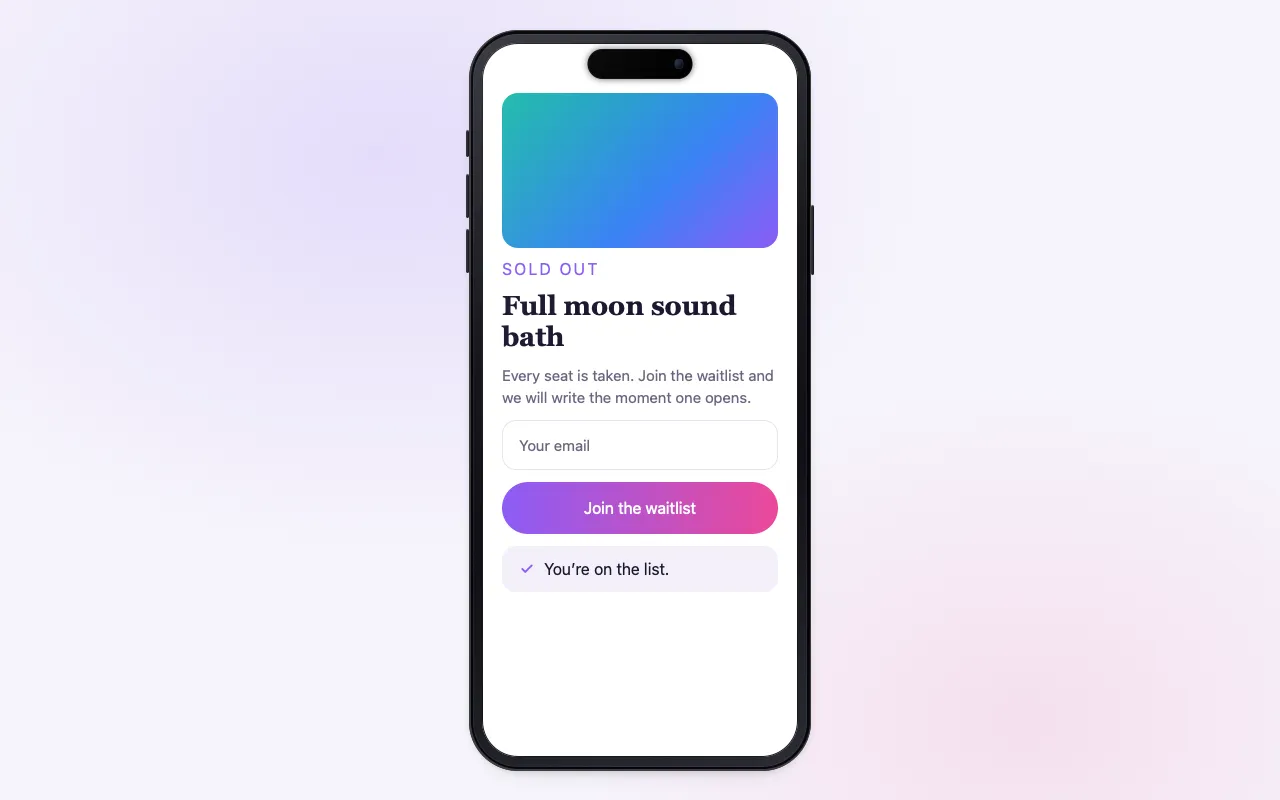
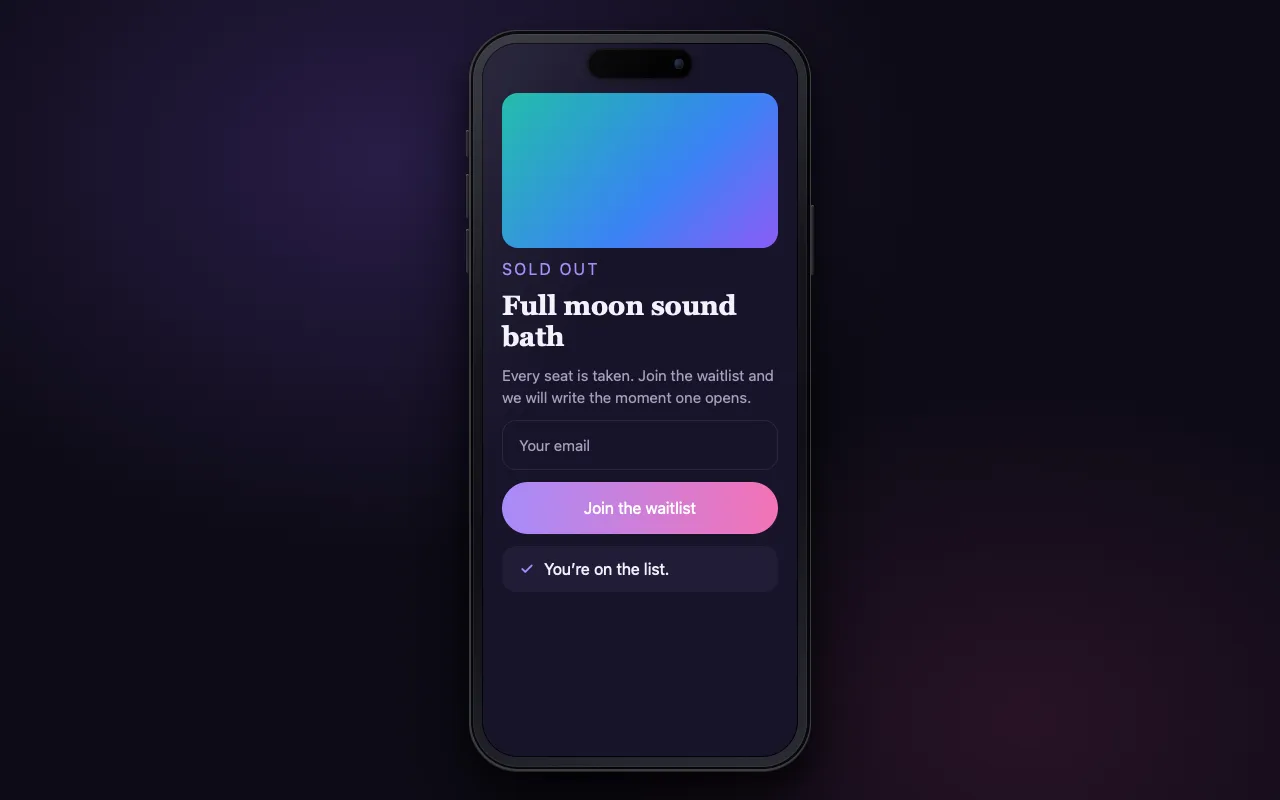
Waitlist
After a sellout, a freed seat is offered to the next person for a claim window, then the next.
How it works
It switches itself
The page shows the right state as your event moves from announced to on sale to sold out.
People sign up
With an email, in one step.
Seats fill
When a ticket frees up, the next person in line is offered it.
Loved by artists and organizers
“For nearly two decades, Akal (owner of BrightStar) has been lending his skills and talents in support of the Bhakti movement. His platform uniquely serves our movement with authenticity and heart. The technology also rocks!”

Jai UttalGrammy Nominee (Client Since 2014)
“Not only does BrightStar offer a powerful software platform that has worked very well for my events, but their client support is the best. Their communication is personal, heart-centered, and always thoughtful.”

Peter KaterTwo-Time Grammy Winner (Client Since 2014)
“We've been so happy with the outstanding customer service that we've received while working with BrightStar, and feel great about supporting a company that is authentically committed to the ideals of higher consciousness.”

Eric ForbisFounder, BuddhaFest (Client Since 2012)
Questions organizers ask
How does the page know which state to show?
From your ticket status: Notify Me before sales open, Remind Me while on sale, Join Waitlist once sold out.
Do I manage the waitlist by hand?
No. When a seat frees up, the next person is emailed an offer; if they do not claim it in time, it moves on.
Can I control it?
Yes. Pin one state, choose the claim window, or switch the system off.
Which plans include it?
The waitlist system is on Pro and Amplify.
Ticket Categories
Group your ticket types into clear categories, so buyers see the shape of your event and find their ticket fast.
See the feature →Smart Pricing
Get a suggested price for every ticket type, based on similar events near you, and decide for yourself.
See the feature →Coupon Codes
Codes that open and close on your event's own clock, cover only the tickets you choose, and show you what each one sold.
See the feature →Assigned Seating
Buyers pick their exact seat from a clear, live map, and the seat is theirs the moment they pay.
See the feature →Embed Widget
Paste one snippet on your site and buyers choose tickets and pay right there, without being sent away.
See the feature →Custom Questions
Add your own questions to checkout and every answer arrives tied to the right attendee, ready to export.
See the feature →See allThere is more to see.