One purchase. Everyone their own ticket.
Buyers share tickets with the people coming along, and each person gets their own QR code for the door.
Sign upIncluded on Pro and Amplify.
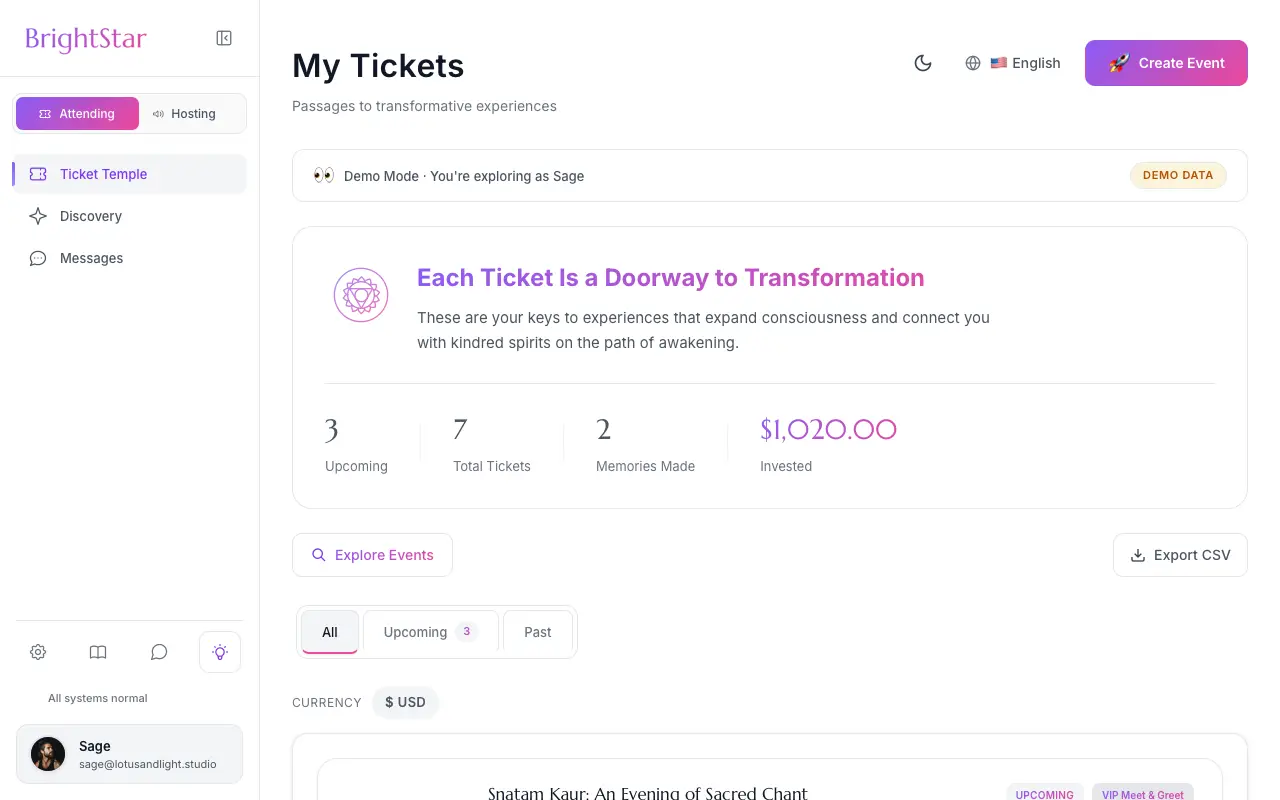
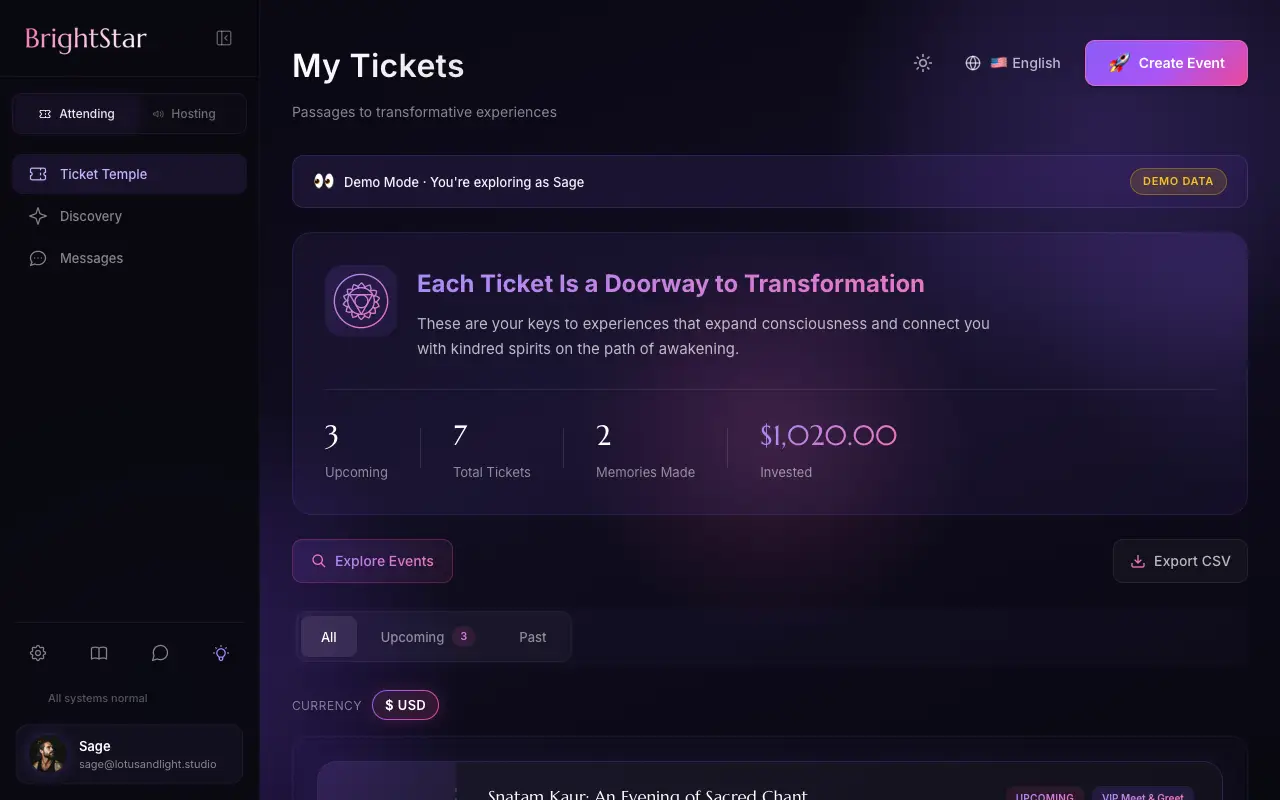
One purchase. Everyone their own ticket.
Buyers share tickets with the people coming along, and each person gets their own QR code for the door.
Sign upIncluded on Pro and Amplify.
No more screenshot forwarding
Their own QR code
Each recipient gets an email with their tickets, scannable at the door.
In their tickets
Shared tickets appear in the recipient’s tickets when they sign in with that email.
Easy to take back
The buyer can revoke a shared ticket and pass it to someone else.
How it works
Buy for the group
One order, several tickets.
Share each ticket
From the order’s Share tab or My Tickets, by email.
Everyone arrives ready
Each person scans their own code at the door.
Loved by artists and organizers
“For nearly two decades, Akal (owner of BrightStar) has been lending his skills and talents in support of the Bhakti movement. His platform uniquely serves our movement with authenticity and heart. The technology also rocks!”

Jai UttalGrammy Nominee (Client Since 2014)
“Not only does BrightStar offer a powerful software platform that has worked very well for my events, but their client support is the best. Their communication is personal, heart-centered, and always thoughtful.”

Peter KaterTwo-Time Grammy Winner (Client Since 2014)
“We've been so happy with the outstanding customer service that we've received while working with BrightStar, and feel great about supporting a company that is authentically committed to the ideals of higher consciousness.”

Eric ForbisFounder, BuddhaFest (Client Since 2012)
Questions organizers ask
How does the buyer share tickets?
From their order page or My Tickets: enter each recipient’s email and send.
Can the buyer take a ticket back?
Yes. Revoking returns the ticket to the buyer, ready to share again.
Does it keep the seat?
Yes. A shared ticket keeps its ticket type, price and assigned seat.
Can I turn it off?
Yes. Ticket sharing is a setting per event; when it is off, the Share tab is hidden.
Read more
One buyer, several guests
Group bookings are normal for gatherings. A parent books for the family, one friend pays for four, a studio owner buys places for her teachers. Until a ticket reaches the person who will use it, the buyer is left forwarding screenshots and hoping everyone finds them at the door. Ticket sharing solves this plainly. The buyer sends each ticket to the person it is for, and each of those people receives their own email with their own QR code. Nobody needs to arrive together, and nobody has to wait outside for the one person who has the tickets.
How a buyer shares a ticket
Sharing is done from the buyer’s side, in two places: the Share tab of their order page, and their tickets in their BrightStar account. The buyer enters the email address of each guest and sends. Several tickets can be shared in one go. A buyer who checked out without creating an account can still share; they confirm that the order is theirs with a code sent to the email address they booked with. You, as the organizer of the event, can also share a ticket on a buyer’s behalf.
What the guest receives
Each recipient gets one email holding every ticket that was shared with them, each with a QR code your door can scan. If they sign in to BrightStar with that email address, the tickets also appear in their own tickets, with no further step. The email names the event, its date and its place, so the guest has the practical details as well as the code.
The same ticket, a new holder
Sharing does not create a second ticket, which is why it cannot be used to let two people in on one purchase. The ticket keeps its number, its ticket type, its price and, where the event has assigned seating, its seat. Only the holder changes. The buyer remains the buyer on the order: the receipt, the order history and any refund stay with the person who paid. For you this means your sales figures and your guest list both stay accurate after tickets have been passed on.
Taking a ticket back
Plans change. If a friend drops out, the buyer can revoke the shared ticket, which returns it to them, and then share it again with someone else. The buyer does this from the same place they shared it, without writing to you. Because it is one ticket throughout, it can still only be checked in once, whoever ends up carrying it.
At the door
A shared ticket scans like any other ticket in the BrightStar Organizer app. It is checked live against your guest list, admitted once, and shown as already checked in if the same code is presented again. Guests who arrive without their email can be found by name in the app’s guest list and checked in by hand.
You decide whether sharing is offered
Ticket sharing is a setting on each event. When it is on, buyers see the Share tab on their order; when it is off, the tab is hidden and tickets stay with the buyer. Some organizers leave it on for concerts and festivals and turn it off for an application-only training where each place is personal. Ticket sharing is part of Pro and Amplify.
What it is not
Sharing passes a ticket to another person; it is not a resale marketplace, and no money changes hands through BrightStar when a ticket is shared. It also does not ask the guest for payment details or collect a new set of answers to your checkout questions. If you need each attendee’s details, ask the buyer for them at checkout with custom questions.
Why this matters at the door
A door moves quickly when every person holds their own ticket. Without sharing, groups arrive in pieces: three friends are inside, the fourth is parking the car and has no code, and the buyer is called back to the entrance. With sharing, each of them can be scanned whenever they arrive. Your team sees one clear answer per person, and a late guest does not hold up the people behind them.
Families, teams and gifted tickets
Sharing covers more than groups of friends. A parent can send tickets to grown children travelling separately. A company or a studio can book places and pass each one to a team member. Someone can buy a ticket as a gift and send it to the person it is for. In each case the purchase stays simple, one order and one payment, while the tickets end up with the people who will use them.
Advice to give your buyers
If you expect many group bookings, say so on your event page: tell buyers they can share each ticket from their order after booking, and that their guests should look for an email from BrightStar. Suggest they share early, so guests have their ticket well before the day. A guest who cannot find the email can ask the buyer to check the address they entered, or simply give their name at the door.
Ticket Categories
Group your ticket types into clear categories, so buyers see the shape of your event and find their ticket fast.
See the feature →Smart Pricing
Get a suggested price for every ticket type, based on similar events near you, and decide for yourself.
See the feature →Coupon Codes
Codes that open and close on your event's own clock, cover only the tickets you choose, and show you what each one sold.
See the feature →Assigned Seating
Buyers pick their exact seat from a clear, live map, and the seat is theirs the moment they pay.
See the feature →Embed Widget
Paste one snippet on your site and buyers choose tickets and pay right there, without being sent away.
See the feature →Waitlist
Your event page captures interest at every stage, from before tickets open to after it sells out, and follows up for you.
See the feature →See allThere is more to see.