More for them, more for you.
Offer the extras that make the experience complete in checkout, and invite buyers to your next event after they book.
Sign upIncluded on Pro and Amplify.
More for them, more for you.
Offer the extras that make the experience complete in checkout, and invite buyers to your next event after they book.
Sign upIncluded on Pro and Amplify.
Invitations, not hard sells
Add-ons in checkout
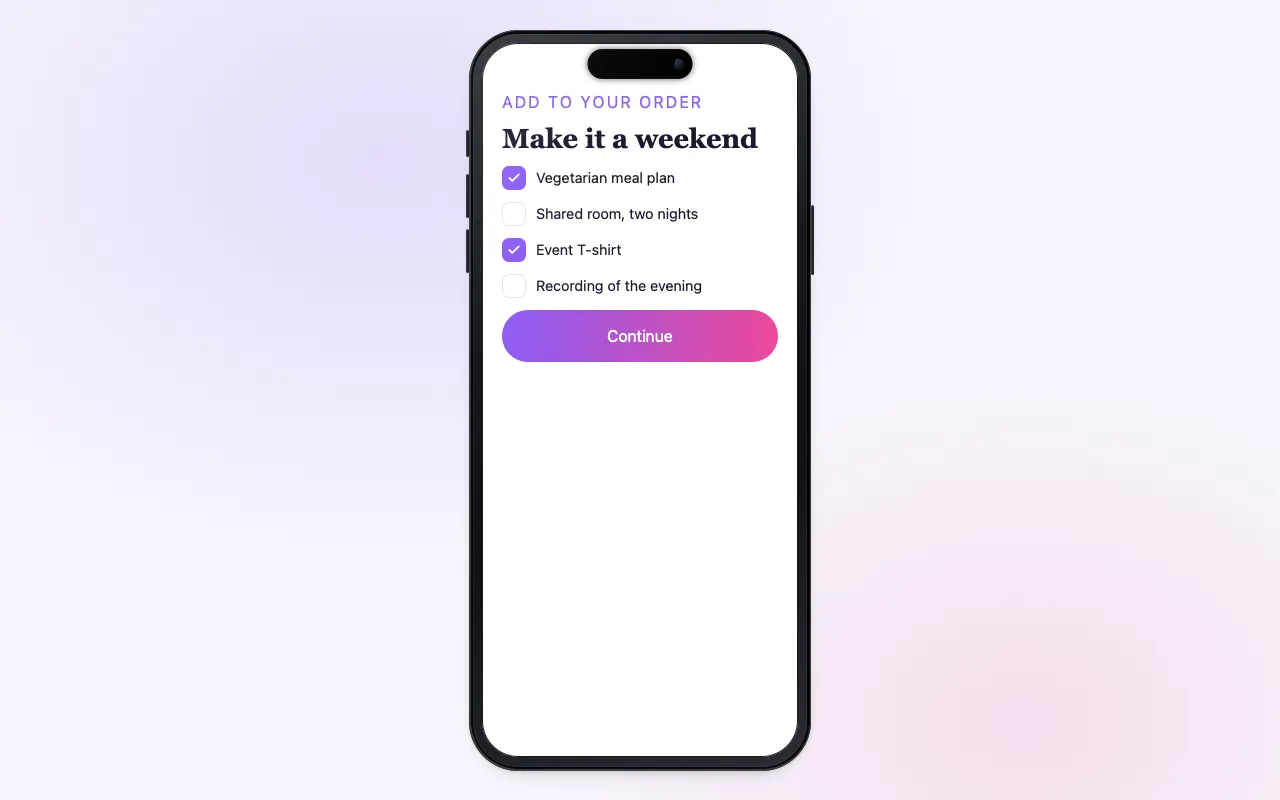
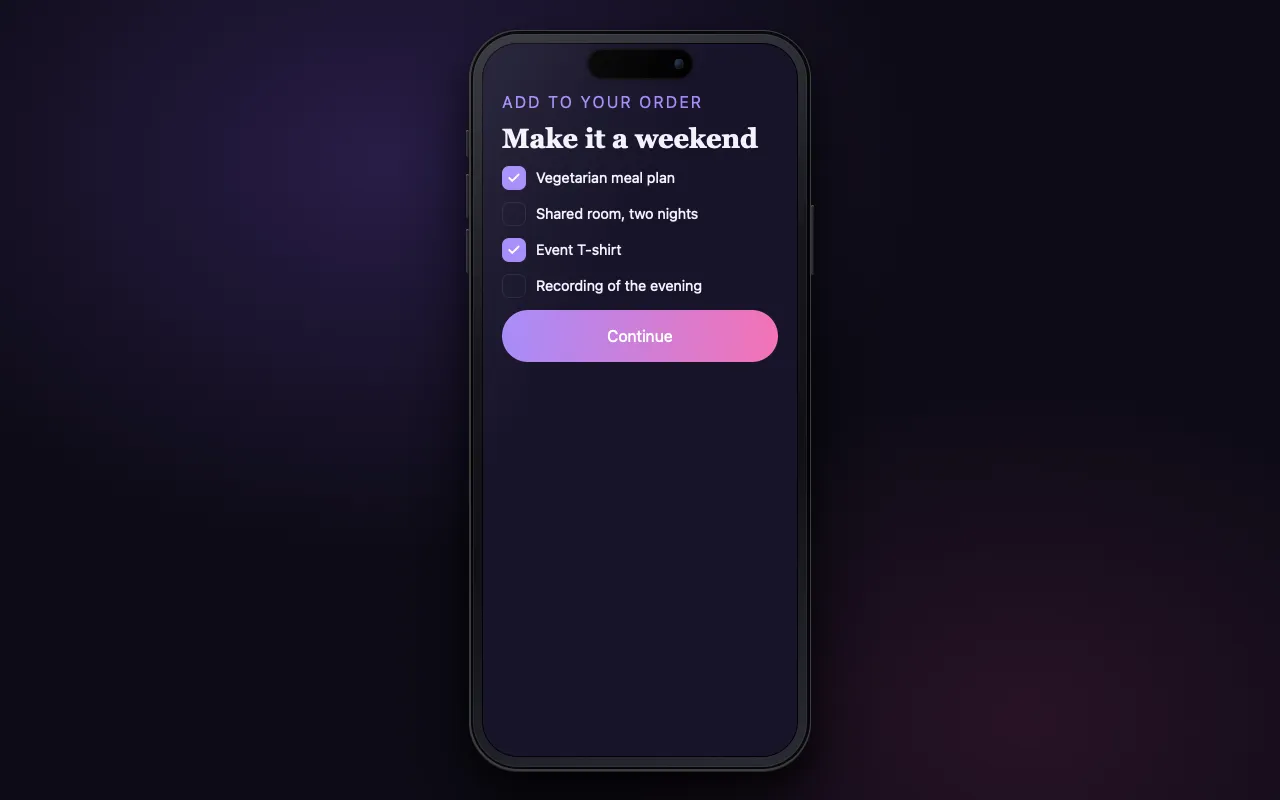
Parking, meal plans, workshops or merch, offered in their own step.
Rooms and stays
Sell rooms for retreats, whole or shared, priced by the night.
Your next event
Recommend your other events on the confirmation page and in confirmation and reminder emails.
How it works
Add your extras
Create add-ons with prices and limits.
Pick recommendations
Select your own next dates to recommend to buyers.
Buyers add more
In checkout, and after they book.
Loved by artists and organizers
“BrightStar has been supporting my concerts since the very beginning of my career and played a pivotal role in growing my audience sizes. Their loyalty and dedication to both artists and event organizers is exemplary, as is their professionalism.”

Snatam KaurGrammy Nominee (Client Since 2005)
“BrightStar is a close friend and ally with The Shift Network and has been invaluable in helping us bring attention to our programs. We share common spiritual values focused on uplifting humanity. BrightStar combines professional marketing expertise with heart-centered service.”

Philip HellmichDirector of Peace, The Shift Network (Client Since 2012)
“For nearly two decades, Akal (owner of BrightStar) has been lending his skills and talents in support of the Bhakti movement. His platform uniquely serves our movement with authenticity and heart. The technology also rocks!”

Jai UttalGrammy Nominee (Client Since 2014)
Questions organizers ask
What’s the difference between add-ons and upsells?
Add-ons are extras bought with the ticket in checkout. Upsells invite buyers to other events after they purchase.
Will my attendees feel pressured?
No. Offers appear as gentle invitations, never urgency tricks.
Where do upsells appear?
On the confirmation page, in the confirmation email and in the reminder emails.
Which plans include it?
Upsells & Add-ons are on Pro and Amplify.
Read more
The ticket is rarely the whole experience
Someone coming to your retreat needs a bed. Someone driving to your festival needs to park. A workshop participant may want the manual, and a concert-goer the meal beforehand. If these are sold separately, by email or at the door, some guests never hear of them and you spend the week before the event reconciling lists. Add-ons put the extras into the same checkout as the ticket, on the same order, with one payment and one confirmation.
Add-ons in checkout
An add-on has its own name, description and price, and you can limit how many are available. Buyers are offered your add-ons in a step of their own, after choosing tickets and before paying. They add what they want or continue without. Typical add-ons are parking, a meal plan, a single workshop inside a festival, a printed manual, a T-shirt or a shuttle seat.
Rooms for retreats
For gatherings with accommodation, rooms are sold beside the ticket. You set up your room types once for your account, with a nightly rate, and each event offers the ones you choose. The price follows the nights of the event. A room can be sold whole or bed by bed for shared rooms, with single and double occupancy rates, and you can allow extra nights before or after. The room is claimed for the guest as they pay, so the same room is not sold twice for the same nights.
Rules you can set
Some events only make sense with a stay. You can require that a room is booked with the ticket, and you can limit each order to one room. For add-ons, the quantity you set is the limit: when the parking is gone, it is no longer offered.
One order, one list
Whatever a guest adds appears on their order and their confirmation. For you, extras show up beside the tickets in your orders and reports, so the kitchen list, the parking list and the rooming list all come from the same place as the guest list.
Inviting buyers to your next event
The second half of this feature happens after the purchase. On the confirmation page, in the confirmation email and in the reminder emails, BrightStar can show a small set of other events. You can add your own next dates, for instance the next date of the same series or the advanced course that follows. A guest who has just said yes to you is the person most likely to say yes again.
A discount for the next one
When you recommend one of your own events you can attach a discount code to the recommendation. A buyer who follows it finds the code already applied in that event’s cart. It is a simple way to reward the people who are already coming.
Gentle by design
None of this uses pressure. Add-ons are offered once, in their own step, and skipping them takes one tap. Recommendations are shown as suggestions beneath the information the guest came for. There are no countdowns and no pre-ticked boxes.
Seeing what it brought
The Upsells report shows the add-ons sold and the bookings that came from recommendations. If meals sell and shirts do not, you will know before the next order to your supplier.
Where it is included
Add-ons, rooms and recommendations of your own events are part of Pro and Amplify.
Examples by kind of gathering
For a retreat: rooms, an airport shuttle, an extra night, a private session, a massage. For a festival: parking, camping, a meal pass, a workshop with limited places. For a concert: a pre-show dinner, the album. For a teacher training: the manual, an exam fee, a mentoring call. For a race: a shirt, a shuttle to the start. In each case the question is the same: what would this guest otherwise have to arrange by email?
Pricing extras fairly
Extras should feel like a service. Price them close to what they cost you plus the effort, and describe exactly what is included: which meals, which nights, which sizes. An add-on that is clearly described rarely leads to a refund request; one that is vague often does.
Limits protect you
Set a quantity for anything that is finite: beds, parking places, places in a workshop, meals the kitchen can prepare. When the limit is reached the add-on is no longer offered, and you are spared the awkward email to the guest who bought the forty-first place in a room for forty.
Choosing what to recommend
The best recommendation is the natural next step. After an introductory workshop, the deeper course. After the spring retreat, the autumn one. After one date of a tour, the other dates near the buyer. If you have nothing of your own coming up, automatic recommendations can show fitting events from other organizers, or you can switch recommendations off.
Abandoned Cart Recovery
When someone starts checkout and leaves, BrightStar follows up with warm reminder emails that bring them back to the tickets they chose.
See the feature →Affiliate Engine
After booking, every buyer is invited to get their own share link. When a friend buys through it, they earn the commission you set, and you fill more seats.
See the feature →Visitor Recovery
When someone is about to leave your event page, a gentle invitation saves their interest, and timely reminders follow.
See the feature →Brand Ambassador
If your events spark something in people — if attendees walk away wanting to create their own experiences — this program is for you.
See the feature →Upsell Affiliate Network
BrightStar automatically recommends related gatherings after your buyers book. You earn a commission when those recommendations lead to eligible bookings.
See the feature →Ticket Categories
Group your ticket types into clear categories, so buyers see the shape of your event and find their ticket fast.
See the feature →See allThere is more to see.