Sell tickets on your website.
Paste one snippet on your site and buyers choose tickets and pay right there, without being sent away.
Sign upIncluded on Pro and Amplify.
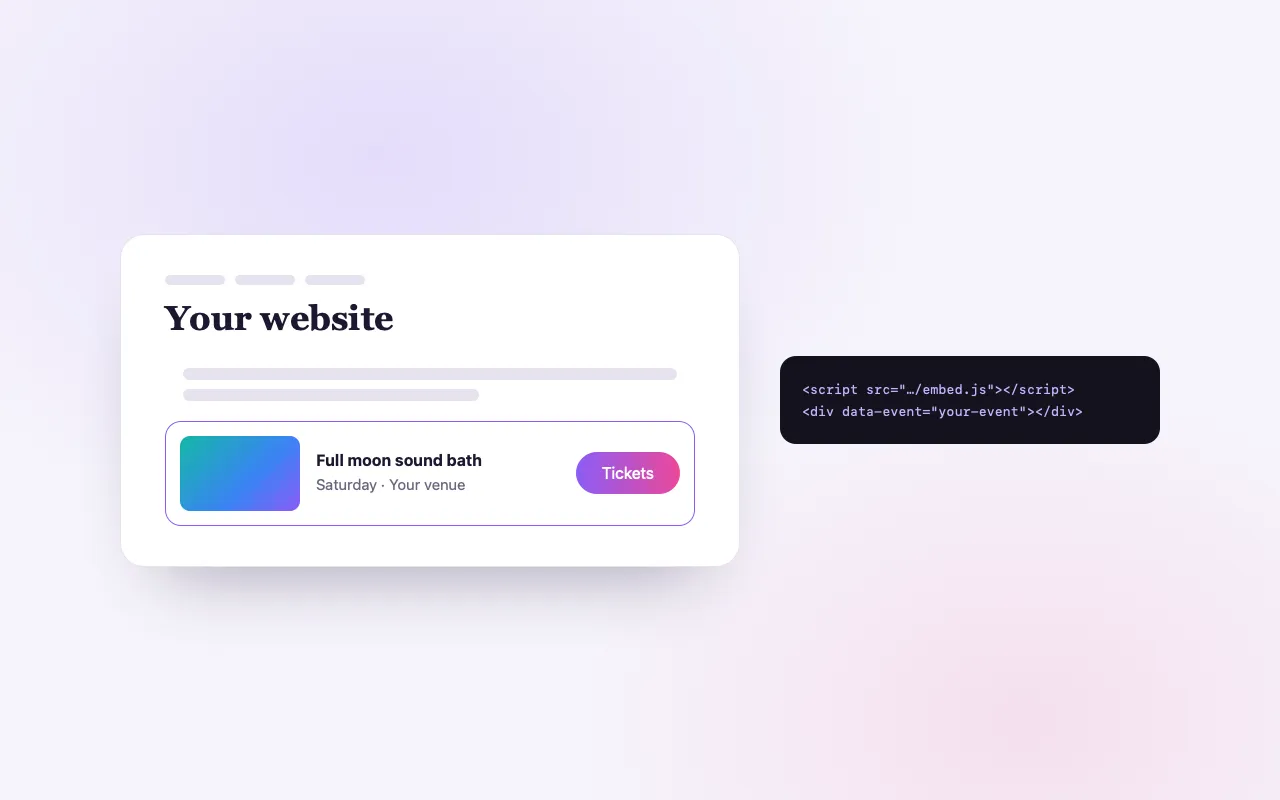
Sell tickets on your website.
Paste one snippet on your site and buyers choose tickets and pay right there, without being sent away.
Sign upIncluded on Pro and Amplify.
Keep buyers in your world
Checkout on your site
“Get tickets” opens checkout in an overlay on your page, full screen on phones.
Matches your site
Choose a layout and a light, dark or brand theme, the button text and what to show.
Always current
Remaining tickets, sold-out tiers and sale windows update live from your event.
How it works
Create your event
Tickets and details carry into the widget automatically.
Pick the style
Choose a layout and theme and preview it.
Paste the code
Add the snippet to any page and start selling there.
Loved by artists and organizers
“For nearly two decades, Akal (owner of BrightStar) has been lending his skills and talents in support of the Bhakti movement. His platform uniquely serves our movement with authenticity and heart. The technology also rocks!”

Jai UttalGrammy Nominee (Client Since 2014)
“Not only does BrightStar offer a powerful software platform that has worked very well for my events, but their client support is the best. Their communication is personal, heart-centered, and always thoughtful.”

Peter KaterTwo-Time Grammy Winner (Client Since 2014)
“We've been so happy with the outstanding customer service that we've received while working with BrightStar, and feel great about supporting a company that is authentically committed to the ideals of higher consciousness.”

Eric ForbisFounder, BuddhaFest (Client Since 2012)
Questions organizers ask
Do I need a developer?
No. If you can add a custom HTML block to your site, you can install the widget.
Does checkout redirect away from my site?
With the script widget, checkout opens over your page. The iframe option opens your public event page in a new tab.
Can I limit where my widget runs?
Yes. You can list the website domains allowed to show your widget.
Which plans include it?
The event must be on Pro or Amplify.
Read more
Selling where your audience already is
Many teachers, artists and centers have a website their community knows and trusts. Sending people away from it to buy a ticket is a small break in that trust, and each extra step is a place where someone stops. The embed widget lets you sell from your own pages. Your visitor sees your tickets on your site, chooses them there, and pays in an overlay without leaving. The order is a normal BrightStar order, with the same tickets, confirmation and reminders.
Two lines of code
Installing the widget means pasting a short snippet into your page: a placeholder that marks where the widget should appear, and a script. It works on hand-built sites and on common site builders such as WordPress, Squarespace, Wix and Webflow, wherever you can add a custom HTML block. You can place it on several pages, and adding the script more than once does no harm. You do not need a developer.
Four layouts and three themes
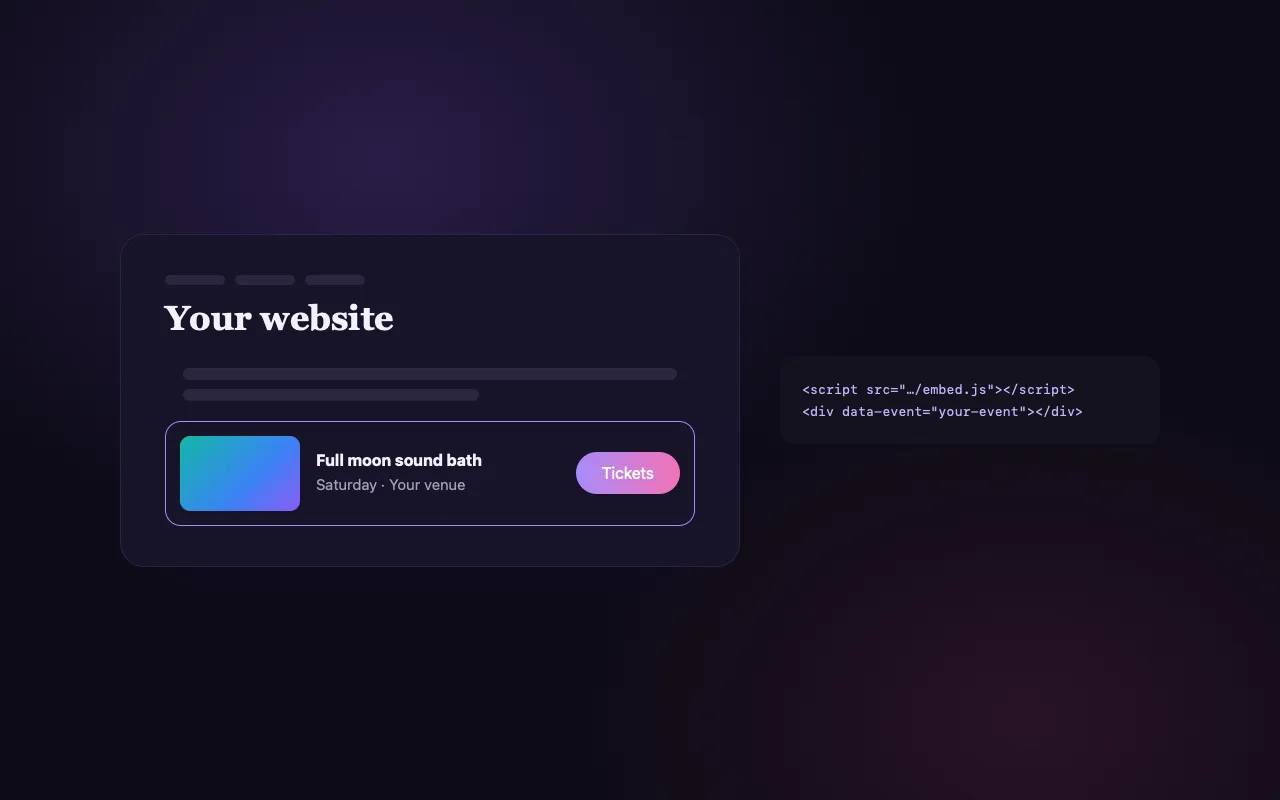
You choose how the widget looks from your event’s embed settings. There are four layouts: an immersive card with the event image, a compact list of tickets, a single button, and a minimal line for tight spaces. There are three themes: light, dark, or your event’s brand colors. You set the text on the button and decide whether to show the image, the description and how many tickets remain. A preview shows the result before you copy the code.
Always showing the truth
The widget is not a picture of your tickets; it reads your event as it stands. Prices, the date in the event’s time zone, ticket types that have sold out and, if you choose, how many remain all come live from BrightStar. A ticket type outside its sale window is not offered. When you change a price or add a ticket type in your dashboard, the widget on your site follows without you touching your website.
Checkout in an overlay
When a visitor presses the button, checkout opens over your page, and fills the screen on a phone. Card details are entered in Stripe’s fields, as in every BrightStar checkout. When the order completes, your page is told, and you can send the buyer to a thank-you page of your choice. Developers who want to react to a purchase, for instance to show a message, can listen for that event.
Safe on any site
The widget draws in its own sealed space, so your website’s styles cannot break it and it cannot disturb your page. It carries no secret keys. If you wish, you can list the website domains that are allowed to show your widget; with no list, it may appear on any site, which suits organizers whose partners embed their tickets too.
For partners and venues
Because the widget is only a snippet, it travels. A venue can show the tickets for a concert it is hosting, a studio can carry a visiting teacher’s workshop, and a festival can place its passes on a sponsor’s page. Every sale still lands in your dashboard and is paid into your Stripe account.
Available on Pro and Amplify
The embed widget is available on Pro and Amplify. There is nothing to pay for placing it and no limit on the number of pages. If you do not have a website, your BrightStar event page does the same job; the widget is for those who already have a home on the web and want their tickets to live there too.
Where to place it on your site
The best place is where a visitor has just decided: beside the description of the retreat, under the workshop outline, on your tour dates page next to each city. Many organizers put the immersive card on a page devoted to one event and the single button in places where space is tight, such as a sidebar or a newsletter landing page. The same event can appear in several places on your site without any extra setup.
A page for each event
Each snippet belongs to one event. If you host several, place each one’s widget beside its own description, or build a simple schedule page with a compact widget for each date. Since every widget reads its own event live, a date that sells out shows as sold out on your site at the same moment as on BrightStar, and you never have to remember to update a “sold out” label by hand.
What your visitors experience
From the visitor’s side there is nothing to learn. They see your tickets in your page’s own surroundings, press the button, choose a quantity and pay. On a phone, checkout fills the screen so the fields are easy to use. Afterwards they are back on your site, with their confirmation email and tickets on the way. They do not need a BrightStar account to buy.
The widget and your BrightStar page together
Using the widget does not replace your event page on BrightStar; the two work side by side. People who find you through search or through BrightStar’s own discovery pages buy on the event page. People who come to your website buy there. Both kinds of order appear together in your dashboard, your guest list and your reports, and both are scanned by the same app at the door.
Ticket Categories
Group your ticket types into clear categories, so buyers see the shape of your event and find their ticket fast.
See the feature →Smart Pricing
Get a suggested price for every ticket type, based on similar events near you, and decide for yourself.
See the feature →Coupon Codes
Codes that open and close on your event's own clock, cover only the tickets you choose, and show you what each one sold.
See the feature →Assigned Seating
Buyers pick their exact seat from a clear, live map, and the seat is theirs the moment they pay.
See the feature →Waitlist
Your event page captures interest at every stage, from before tickets open to after it sells out, and follows up for you.
See the feature →Custom Questions
Add your own questions to checkout and every answer arrives tied to the right attendee, ready to export.
See the feature →See allThere is more to see.